
What you need to participate
Physical theater training requires specific conditions and equipment. Here's what we expect from participants before they join our sessions.
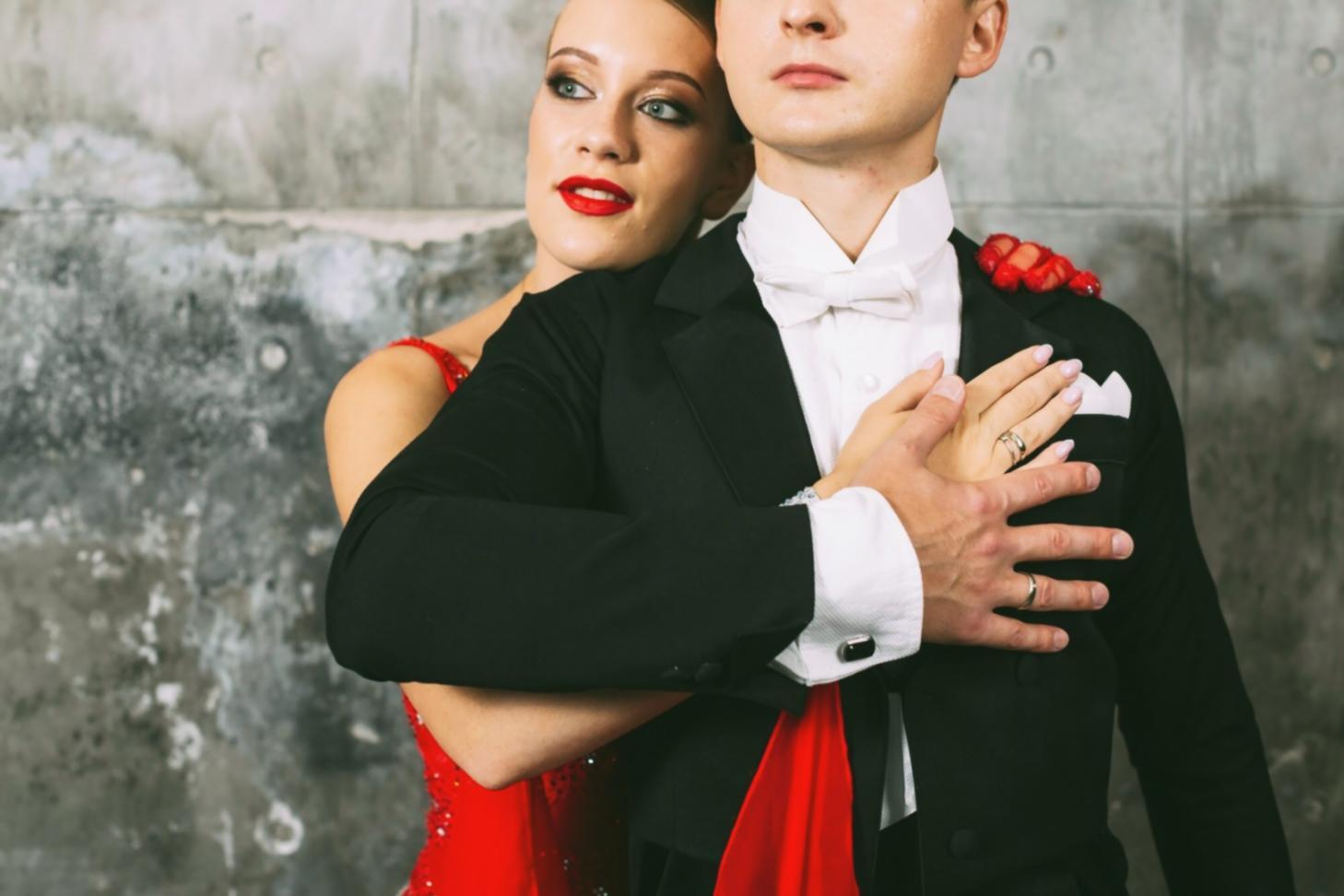
Space requirements
You need at least 3×3 meters of clear floor space. Hard surfaces work better than carpet. Remove furniture and objects that could interfere with movement.
Camera setup
Position your device 2-3 meters away to capture your full body. The lens should be at chest height. Test your setup before the session starts.
Network stability
Minimum 5 Mbps upload speed required. Wired connection preferred. Close other applications that use bandwidth during the session.
Session preparation
Arrive 10 minutes early to test audio and video. Wear comfortable clothing that allows full range of motion. Keep water nearby.
Physical readiness
Basic mobility and balance are expected. If you have injuries or conditions that limit movement, contact us before registering.
Technical specifications
Device
Laptop, tablet or smartphone with camera
Operating system
Windows 10+, macOS 11+, iOS 14+, Android 9+
Browser
Chrome 90+, Firefox 88+, Safari 14+, Edge 90+
Connection
5 Mbps upload, 10 Mbps download minimum
Audio
Built-in microphone and speakers or headset
Video quality
720p minimum, 1080p recommended
Platform access and materials
Before the session
You'll receive a login link 24 hours before your scheduled session. Access includes preparatory materials and warm-up sequences.
During the session
Live video feed with instructor feedback. Screen sharing for demonstration. Chat for questions. Recording available for 7 days after completion.
After the session
Download practice sequences and notation sheets. Access private discussion forum. Schedule follow-up sessions at discounted rates.
Accessibility features
Closed captions in English and Ukrainian. Adjustable playback speed for recordings. Screen reader compatible interface.